Solo founder
You need to validate a signup, booking, or waitlist flow before showing it to customers.
Test the complete path on a phone and turn visible friction into a short list of Rork changes.
rork examplesPlatform guide
Rork android is most useful when you want to move from an app idea to a phone-sized test loop. Prepare the project, review the generated result, and test the experience on a real Android device.

Before you begin
A smooth Android workflow starts with a clear brief and a device-ready testing plan. These three checks keep the first Rork pass focused instead of turning setup into guesswork.
Write down the main screen, the primary action, and the result a user should reach. Rork works better when the first request describes one complete path rather than an entire product backlog.
Use an Android phone or emulator with enough space for the test build and a reliable connection. Keep the device available for checking taps, scrolling, keyboard behavior, and screen proportions.
Decide what you will inspect first: navigation, visual hierarchy, form behavior, or data handling. Record the changes you want so each Rork prompt improves a specific part of the app.
Start with one narrow flow, inspect it on the Android surface, then return to Rork with concrete changes. These related guides cover the surrounding surfaces and implementation questions.
Surface comparison
Android is one way to review a Rork project. The best surface depends on whether you are checking touch behavior, layout, or rapid iteration.
Primary purpose
Browser workflow
Draft and inspect the app from a larger workspace
Android workflow
Check the experience as a phone user would see it
Input style
Browser workflow
Keyboard, mouse, and browser controls
Android workflow
Touch, gestures, and the Android keyboard
Screen context
Browser workflow
Flexible desktop or browser viewport
Android workflow
Real device dimensions and orientation
Best first check
Browser workflow
Structure, copy, and navigation logic
Android workflow
Tap targets, scrolling, spacing, and responsiveness
Iteration comfort
Browser workflow
Convenient for comparing larger changes
Android workflow
Useful for validating the change in context
Common limitation
Browser workflow
May hide touch-specific friction
Android workflow
Smaller screen makes broad edits less convenient
Practical checks
Most Android problems are not mysterious platform failures. They usually come from a vague first request, an untested interaction, or a mismatch between browser assumptions and phone behavior.
You need to validate a signup, booking, or waitlist flow before showing it to customers.
Test the complete path on a phone and turn visible friction into a short list of Rork changes.
rork examplesThe layout looks balanced in a wide preview but feels crowded on a narrow display.
Use Android checks to refine hierarchy, spacing, and touch targets before polishing the visual system.
rork webA field team needs a simple mobile workflow for appointments, tasks, or customer notes.
Start with one repeated job and verify that the Android path is clear under real usage conditions.
rork backendYou are reviewing generated screens and need to separate UI issues from data or integration issues.
Reproduce the problem on Android, describe the exact step that fails, and send a focused request back into Rork.
how to use rork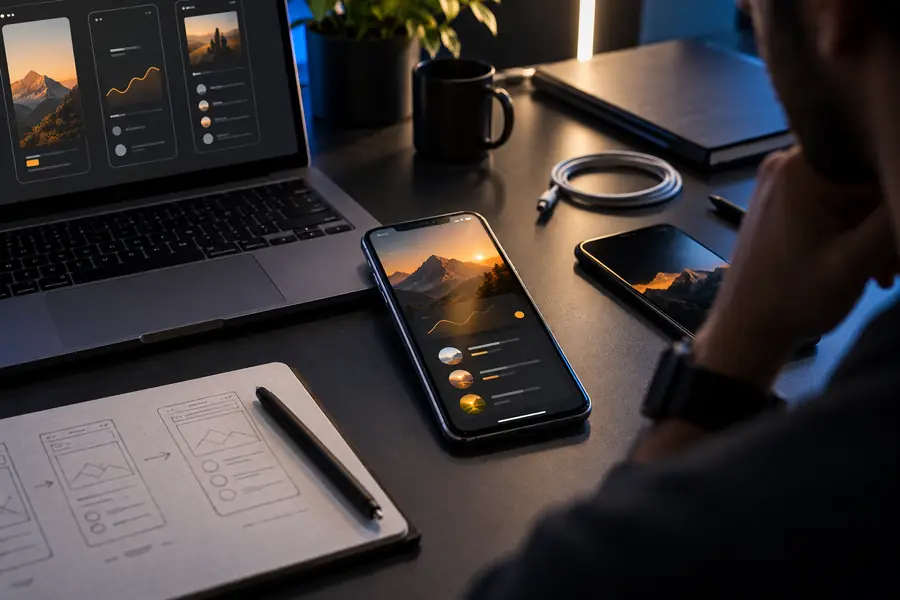 Unfocused first pass
 Tested Android flow
Describe one useful mobile path, review the result, and use device feedback to guide the next Rork change. A focused first run is more valuable than trying to specify every feature at once.
Try Rork on AndroidRork can be evaluated as part of an Android-focused app workflow, especially when you need to inspect a mobile experience on a phone-sized screen. Check the current access and testing path before relying on it for a production release.
Prepare a short description of the main mobile flow, the screens it needs, and the action users should complete. You should also have an Android device or emulator ready for checking touch behavior and layout.
No. A browser review is useful for structure and iteration, while Android testing exposes device dimensions, touch targets, scrolling, keyboard behavior, and other mobile details. Use both surfaces when those details matter.
Reproduce the failure from a specific step and note what you expected, what appeared, and whether the issue involved navigation, layout, input, or data. Send that focused description back to Rork instead of changing several unrelated parts at once.