Solo founder
You need a clickable validation prototype for a service idea before investing in a larger build.
Start with the landing screen, the key action, and one confirmation state; use feedback to decide what deserves expansion.
rork app builderBuild by describing
This guide shows how to use rork from a plain-language idea to a testable app. You will learn what to prepare, which prompts work best, and how to recover when the first result needs adjustment.
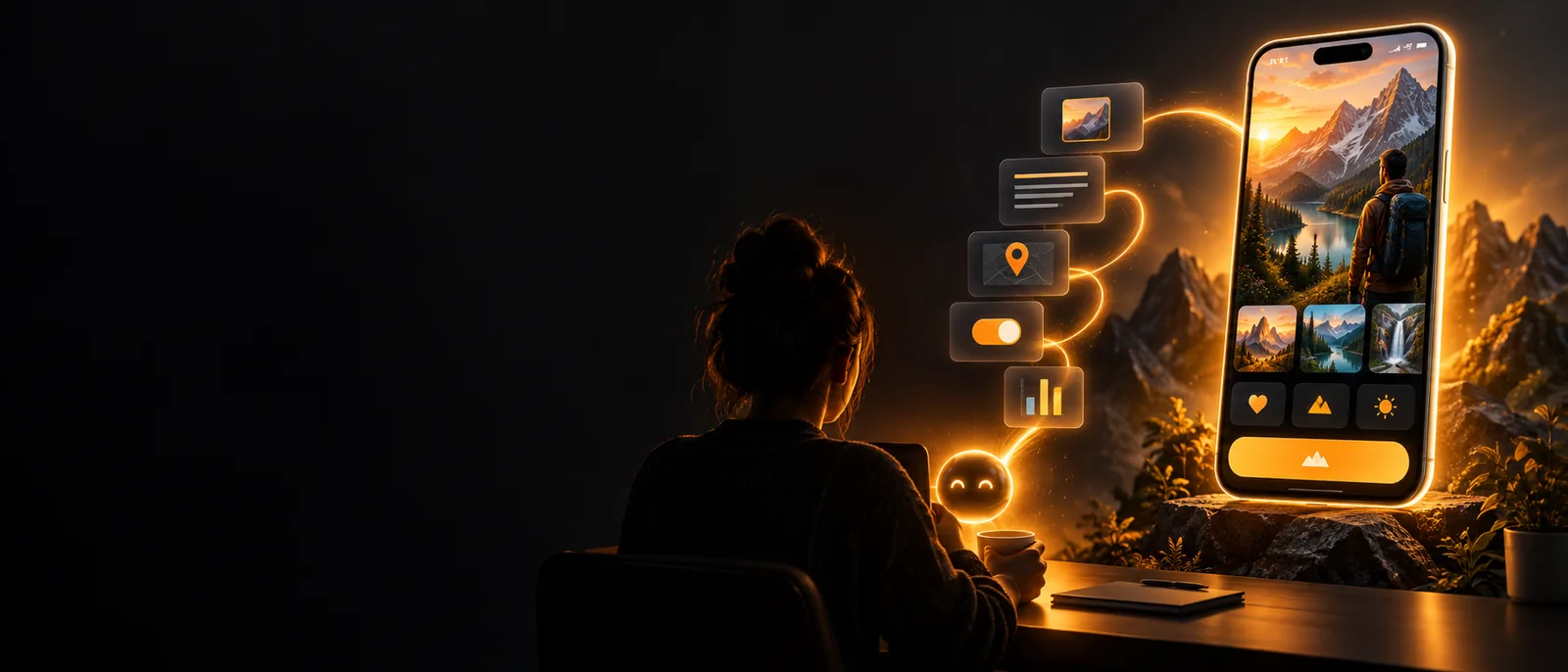
Start here
You do not need a finished specification or a large technical setup. A clear outcome, a small first version, and a way to test the result are enough to begin.
The core workflow
The most reliable process is short: define the smallest useful version, describe it clearly, then improve one part at a time.
Write down who the app is for, what they should accomplish, and the three or four screens needed for that first outcome. Keep secondary features out of the opening request.
Name the app type, audience, visual direction, core actions, and important states such as empty, loading, success, and error. Rork can make better decisions when the request includes behavior as well as appearance.
Run through the main path on a real device or preview. Ask for one related group of changes at a time, such as improving onboarding or correcting a form, so you can tell which instruction produced the result.
When the main flow feels right, record the working state and list the next improvements separately. This gives every later Rork prompt a stable reference instead of turning the project into a moving target.
Keep the first pass small
Most weak first results come from unclear scope or mixed instructions, not from a lack of ideas. Use these checks before rewriting the entire prompt.
Make the result clearer
Once the basic app works, compare the original brief with the current result. The gap usually reveals the next prompt more clearly than starting over.
 First pass
 Focused refinement
The same workflow adapts to different starting points. Each example begins with a narrow job and leaves room for Rork to help shape the next layer.
You need a clickable validation prototype for a service idea before investing in a larger build.
Start with the landing screen, the key action, and one confirmation state; use feedback to decide what deserves expansion.
rork app builderYou want to test a personal utility on the device you carry every day.
Describe the smallest repeatable task, test gestures and spacing on the phone, then refine the screens that feel slow or unclear.
how to use rork on iphoneYou are checking whether a concept behaves well across an Android-sized screen and familiar interaction patterns.
Keep the first flow simple, test the primary action early, and record device-specific issues before adding more features.
how to use rork on androidYou need an internal app for requests, checklists, appointments, or recurring field work.
Describe the roles, the information each person must see, and the handoff between steps before asking for visual polish.
rork backendYou now have a practical way to use rork without trying to specify everything at once. Start with one outcome, test the first flow, and let each focused prompt move the project forward.
Create an appQuick answers
These answers cover the questions people usually ask before trying the workflow for the first time.
Start with a small idea and describe the user, the main action, and the screens needed to complete it. You can use plain language; the important part is being specific about what should happen when someone taps, submits, saves, or finishes.
Include the app's purpose, intended audience, core screens, visual direction, and the main interaction. Mention important states such as an empty list, a completed action, or an error so the first result has useful behavior to work from.
Yes. Test the first version, identify the most important issue, and request a focused change rather than rewriting the whole brief. Smaller, related instructions make it easier to understand what changed and preserve parts that already work.
You can begin without writing code because the initial workflow is based on describing the product and its behavior. Technical knowledge can still help when you are diagnosing a complex issue, but it is not required to create and evaluate a first app concept.
Follow the main user path from a clean starting point and pay attention to unclear labels, missing states, awkward spacing, and actions that do not give useful feedback. Test on the device you care about most, then turn the clearest issue into your next prompt.